
Viaesys JobTrack
Download the latest version of Viaesys JobTrack on your Android Mobile Device
How to Install
Follow the steps below to download and install the mobile application on your device.
STEP 1
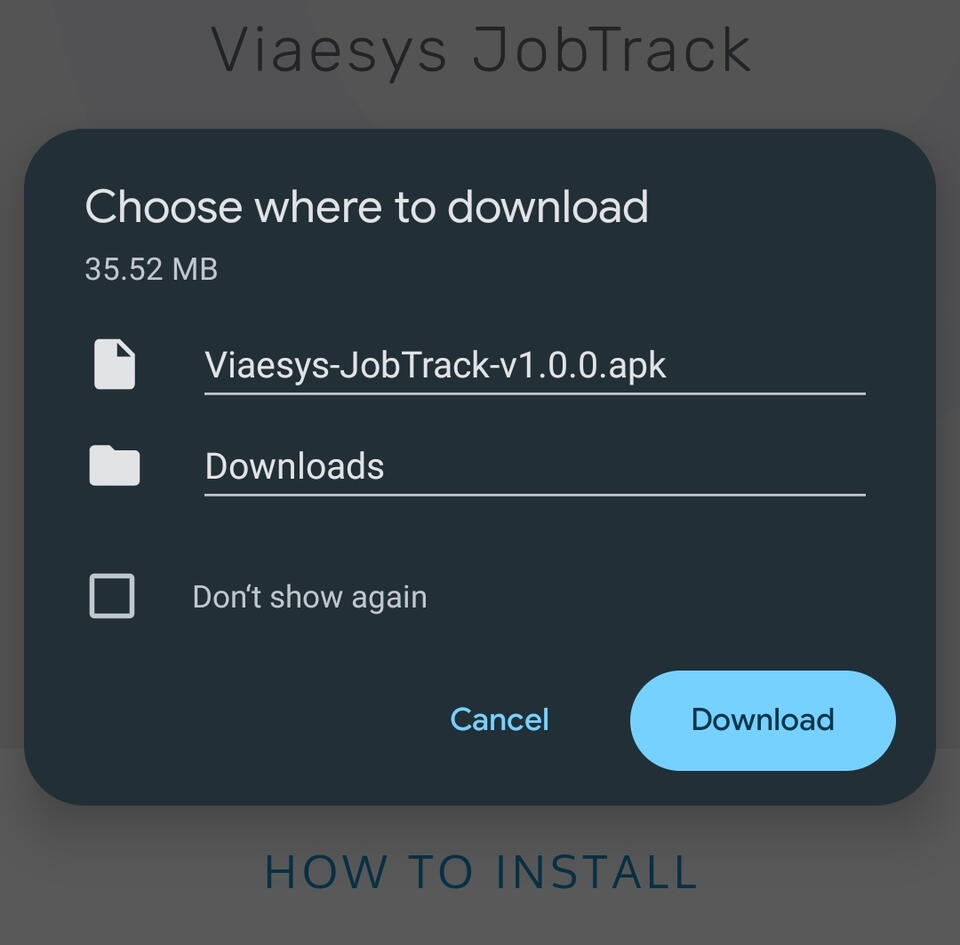
Download the file to your device
STEP 2
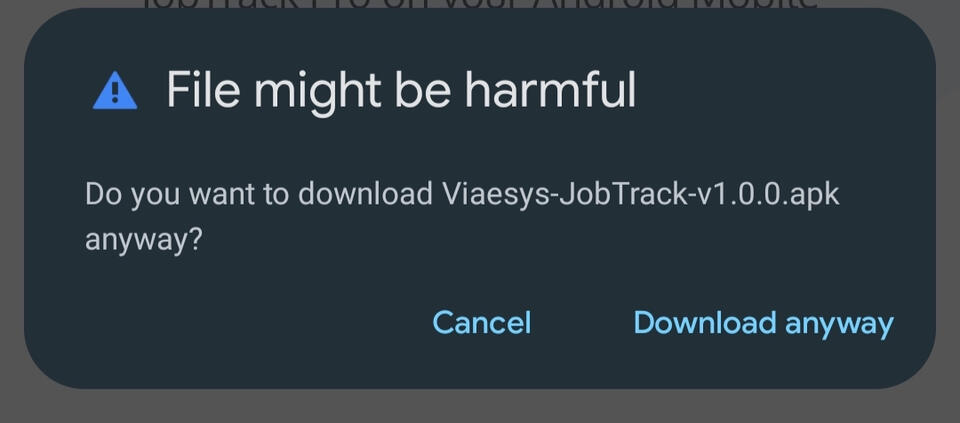
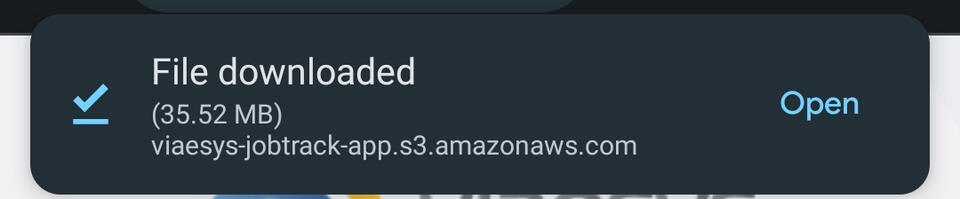
Accept the security warning to start installation by tapping Download anyway and then tapping Open
STEP 3
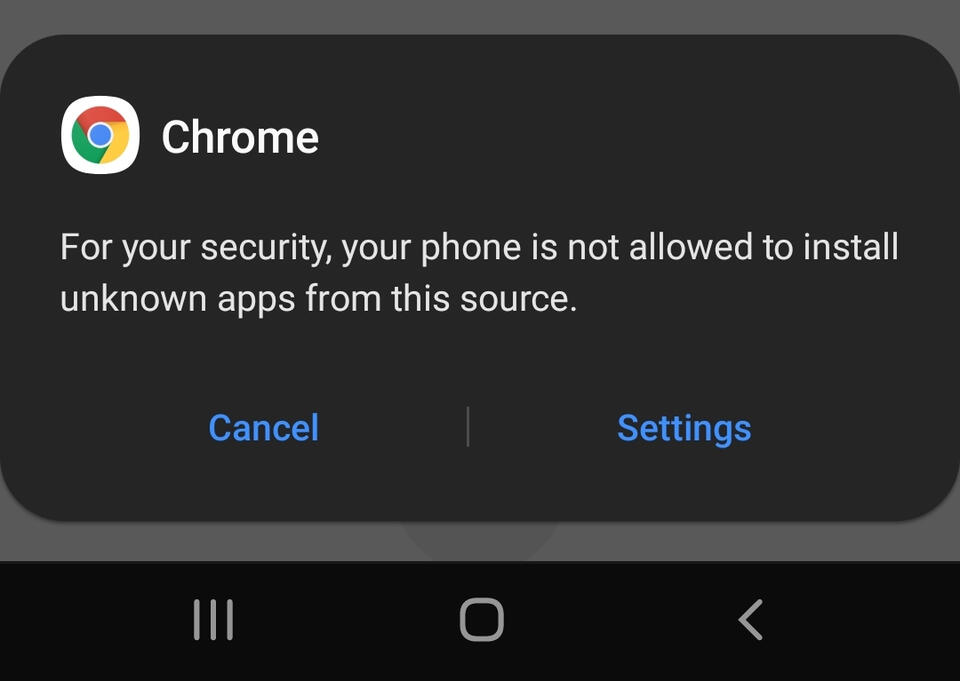
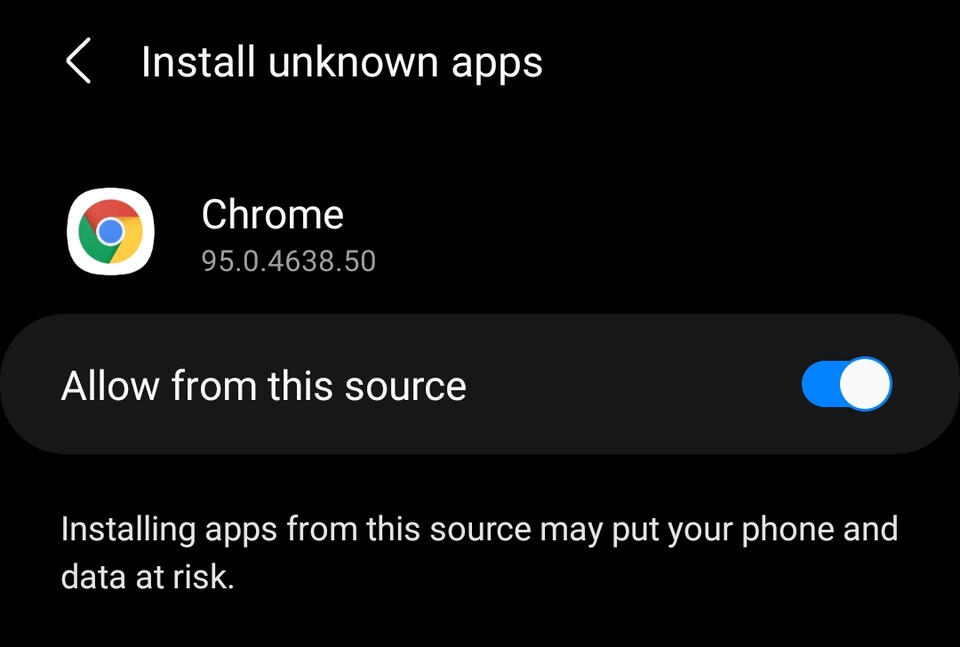
Tap on SettingsThen enable the toggle Allow from this source, on some devices it might be called Allow from unknown sourcesOnce the toggle is enabled go back using the back button ( < )
STEP 4
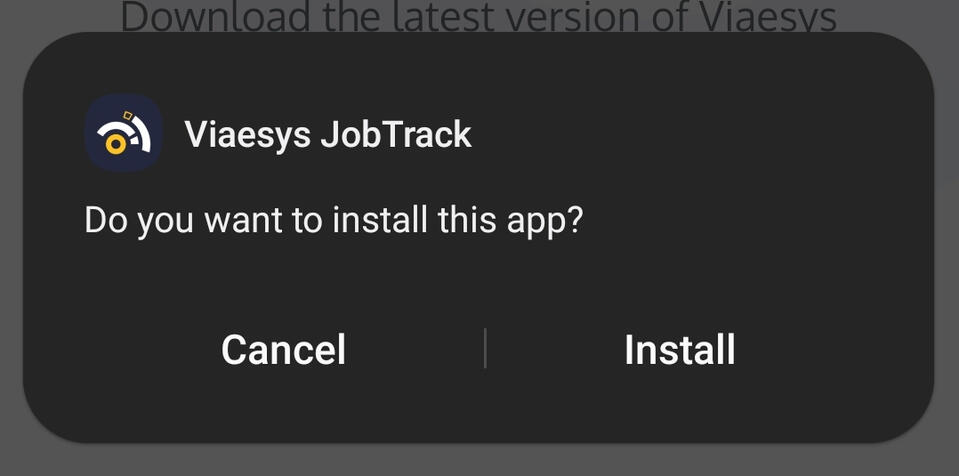
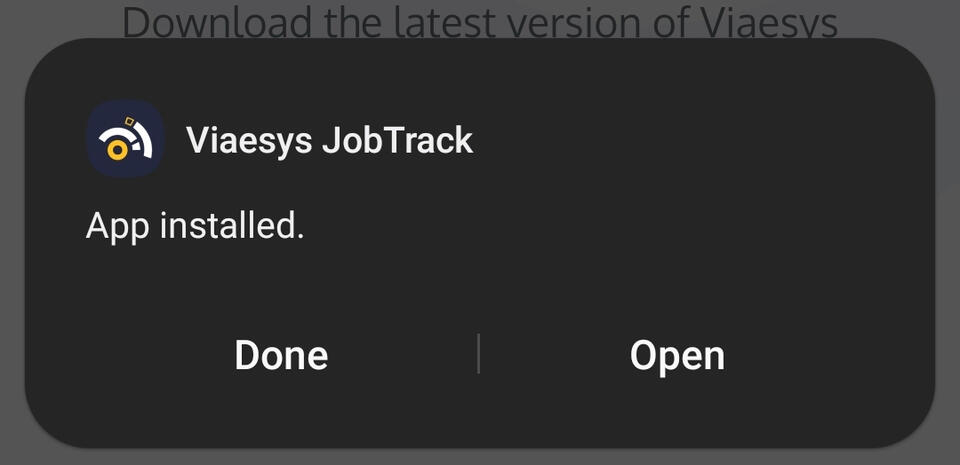
You will now be prompted to install the application. (Note: If you do not see a prompt, open the application file from your download location in STEP 1)Tap on InstallOnce Viaesys JobTrack is successfully installed you can tap Open to start the application.
Need Help?
If you are having issues installing the mobile application onto your device please reach out to us.
© Viaesys Inc. All rights reserved.